Sections.
Assets are stored in the general pool of files and can be found from there using filters.
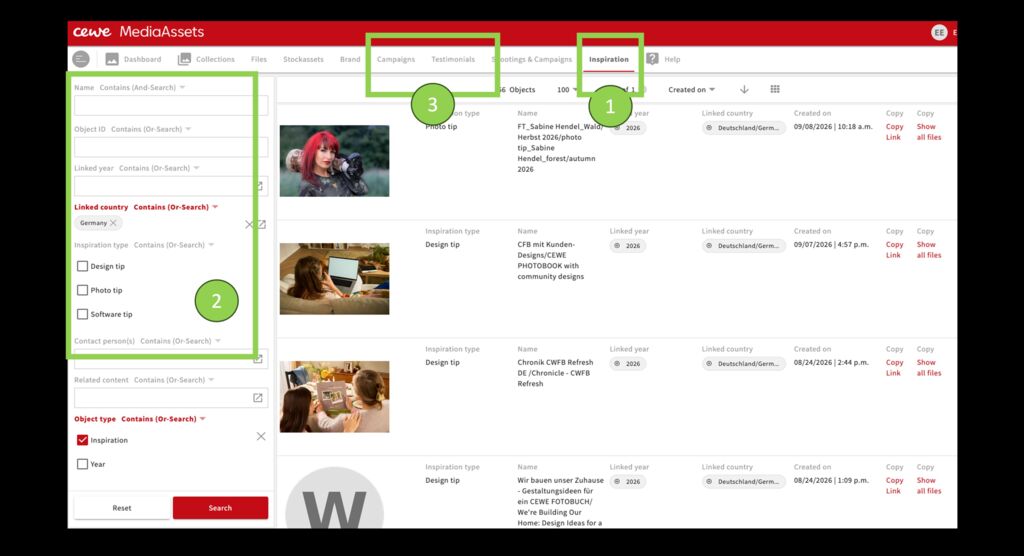
For efficient pre-sorting and focussed searching, the system also offers various sections and modules in which assets of a specific category can be found.
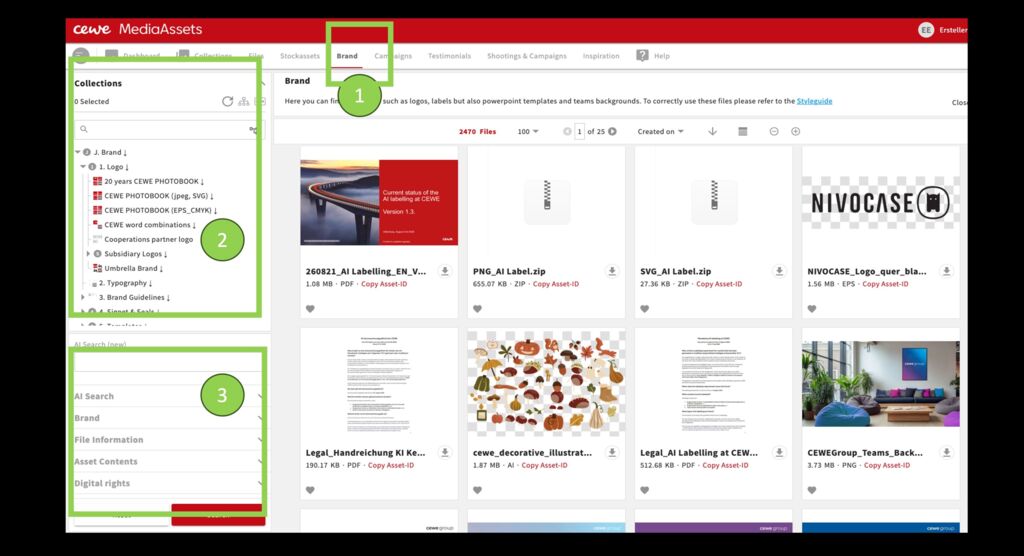
A collection structure shows thematic collections assigned to a section. Further filters refine the search.
1.Example area Brand
2.Top left: collection structure for this section. A click on the arrow shows the sub-collections.
- Further filters that correspond to the area.
The mega menu, which provides access to additional sections, is hidden behind the grey dot in the top-left corner.