INFORMATION ABOUT OUR TRAININGS
Some important information for you:
- The training modules and tutorials build on one another.
- For getting started, we recommend the tutorials in the Basics series (1.0–2.4).
- Advanced training sessions are available by arrangement.
- All users have basic rights in CEWE MediaAssets. Please note that extended permissions, e.g. for uploads, require appropriate training.
- Information about the online trainings can be found below in the module details. You can also book the trainings there.
Module 1 - Introduction - Content of this session covered in tutorials 1.0 - 1.3
The content of this session is covered in tutorials 1.0 - 1.3
Content: (is covered in Tutorials 1.0–1.3)
- Introduction
- System structure
- Navigation
- Help pages
Target group: All users
Module 2 - Basics - Content of this session covered in tutorials 2.0 - 2.4
Content: (is covered in tuorials 2.0 - 2.3)
- Finding assets, display and understand details ( Search-Find-View)
- Working with collections
- Download options
- Practise
Target group: All users
Module 3 - Uploads / Metadata
Content:
- Various options to upload assets
- Carry out import keywording / mandatory metadata
- Collection and folder structure
Target group: Role of Creator / Editor / Deliverer -
Time: 45 min
Material: Help pages
Module 4 - Editing metadata
Content:
- Recap mandatory vs optional metadata
- Editing individual assets
- Mass changes
- Examples
Target group: Creator / Editor / Deliverer
Time: 45 - 60 min
Material: Help pages
Module 5 - CEWE Media Assets + Graphic design
Content:
- Deepening: Collection - and folder structures
- Uploads and storage places
- Taggigng wihle and after uploading
- Working with versions (create, edit, compare, delete)
- Linking and templates
Target group: Graphic designers
Time: 60 - 75 min
Material: Help pages
Our tutorials for basic knowledge (= content of modules 1 and 2)
Digital Rights at CEWE
To start please make yourself familiar with the topic of Digital rights.
20 min

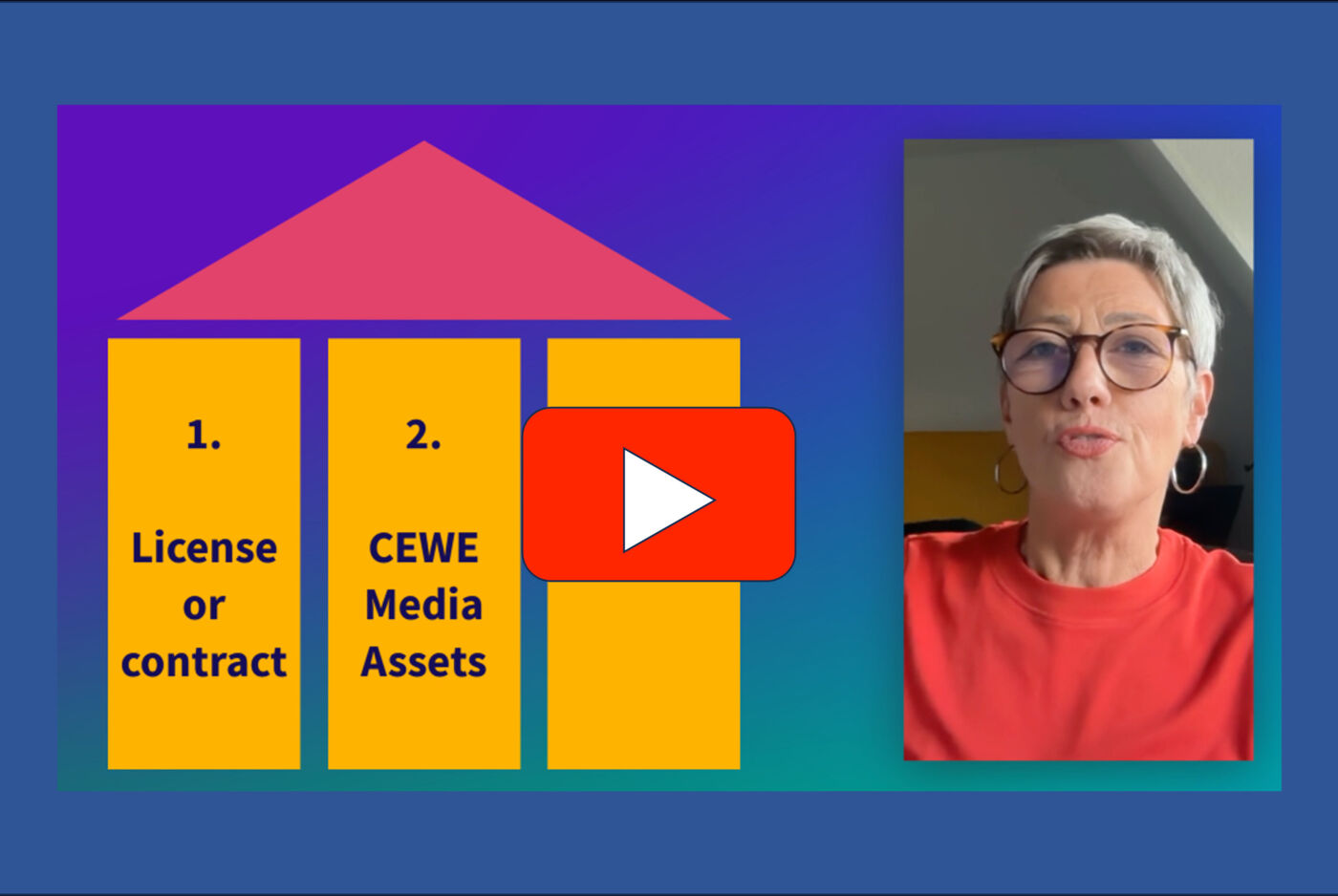
Digital rights basics
Digital Rights Management in practise
09:30 min
Unfortunately, no further content is currently available here!

Modul 1.1
Navigation and overview
6:40 min

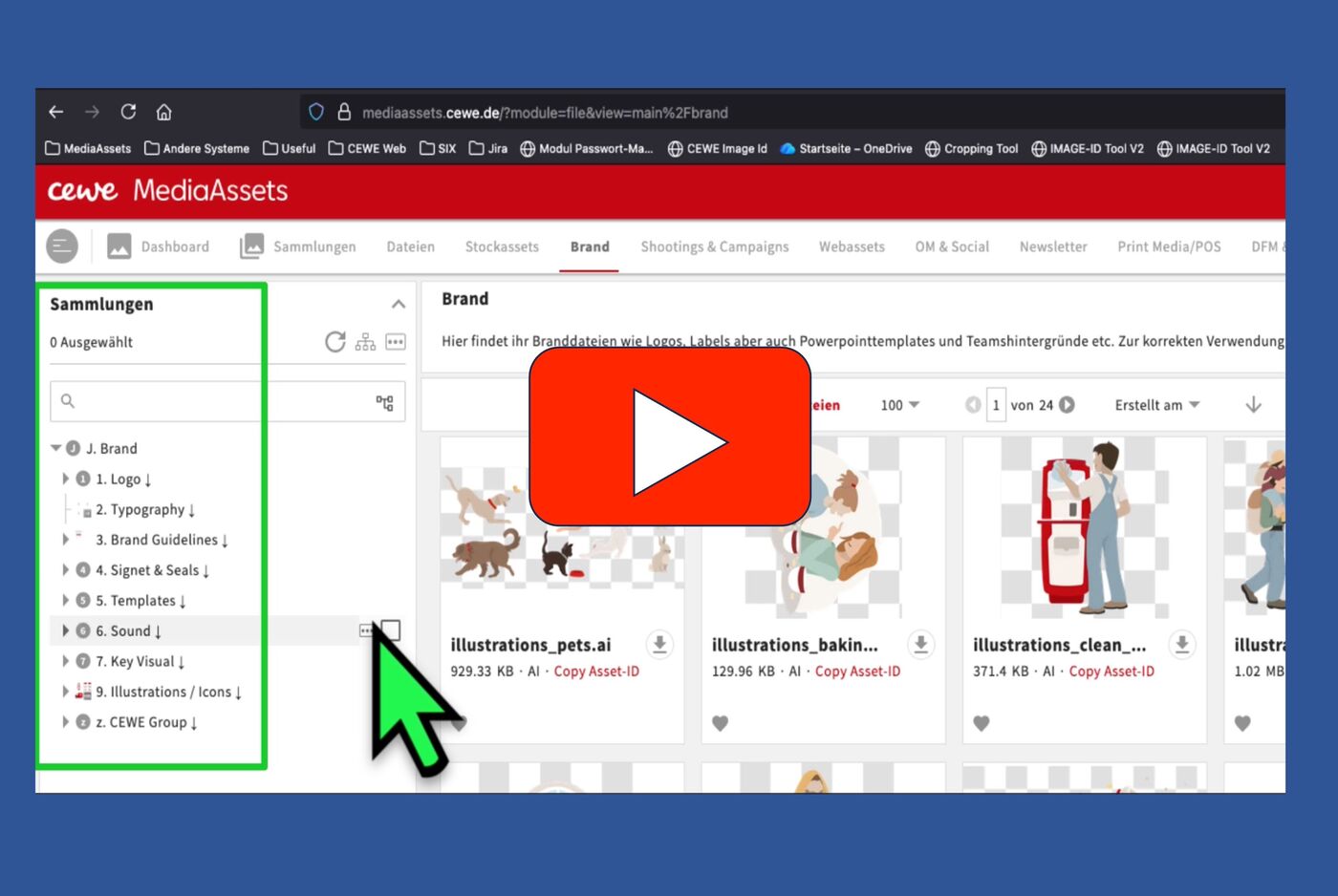
Module 1.3
Creating collections
08:30 min

Modlel 2.0
Search and Find
30:45 min

Module 2.1
Download options
9:45 min
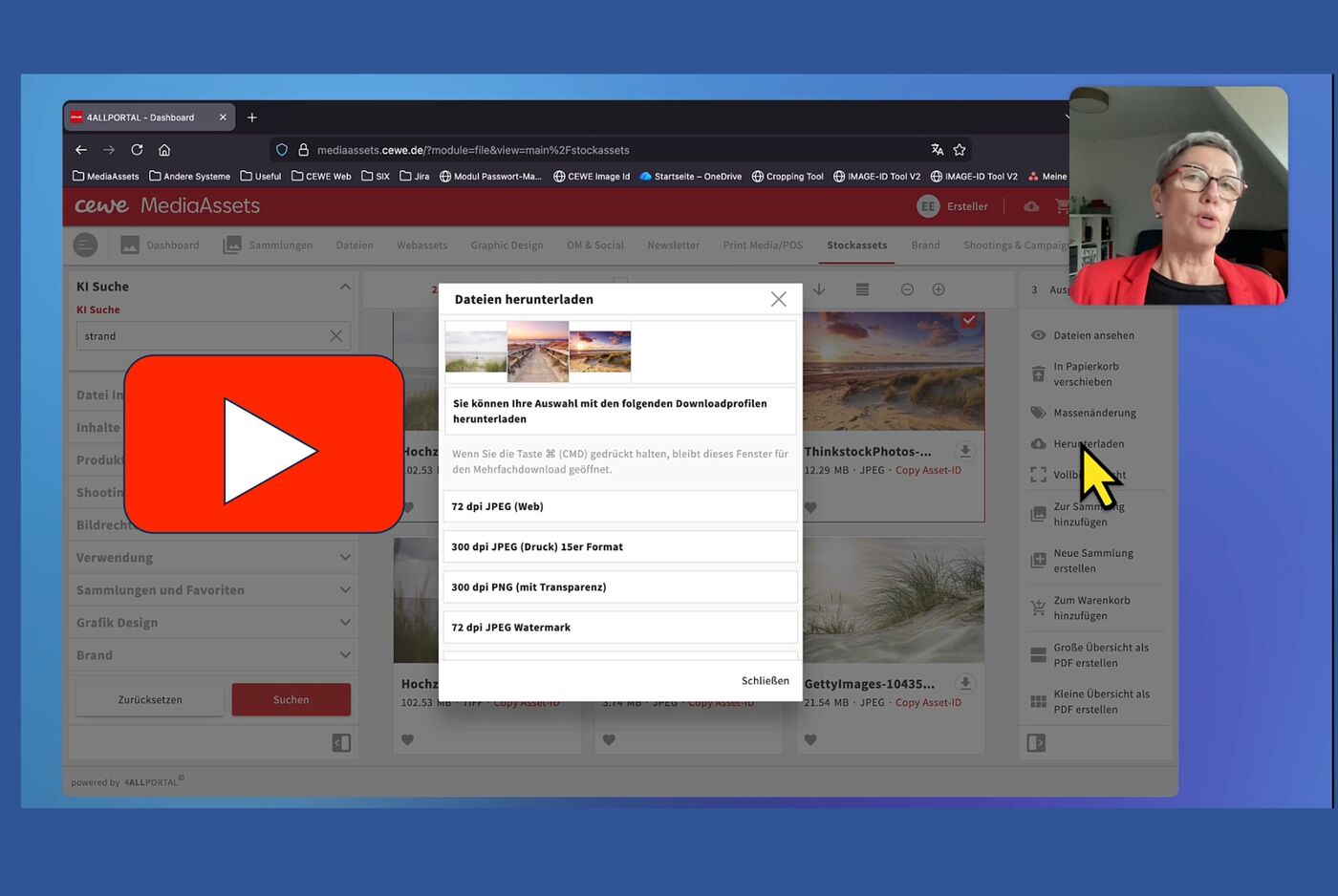
Module 2.2
Customized download
4:10 min

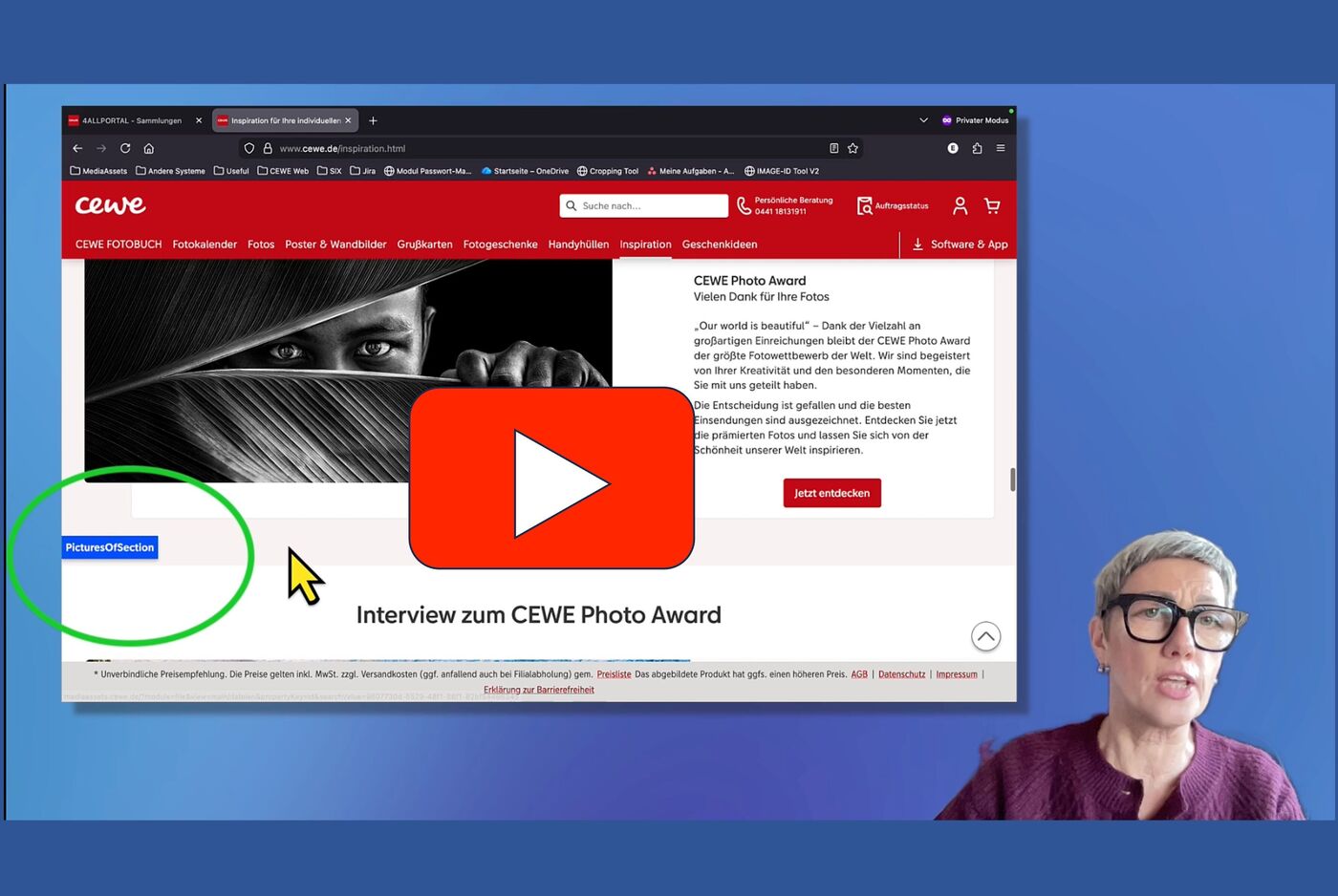
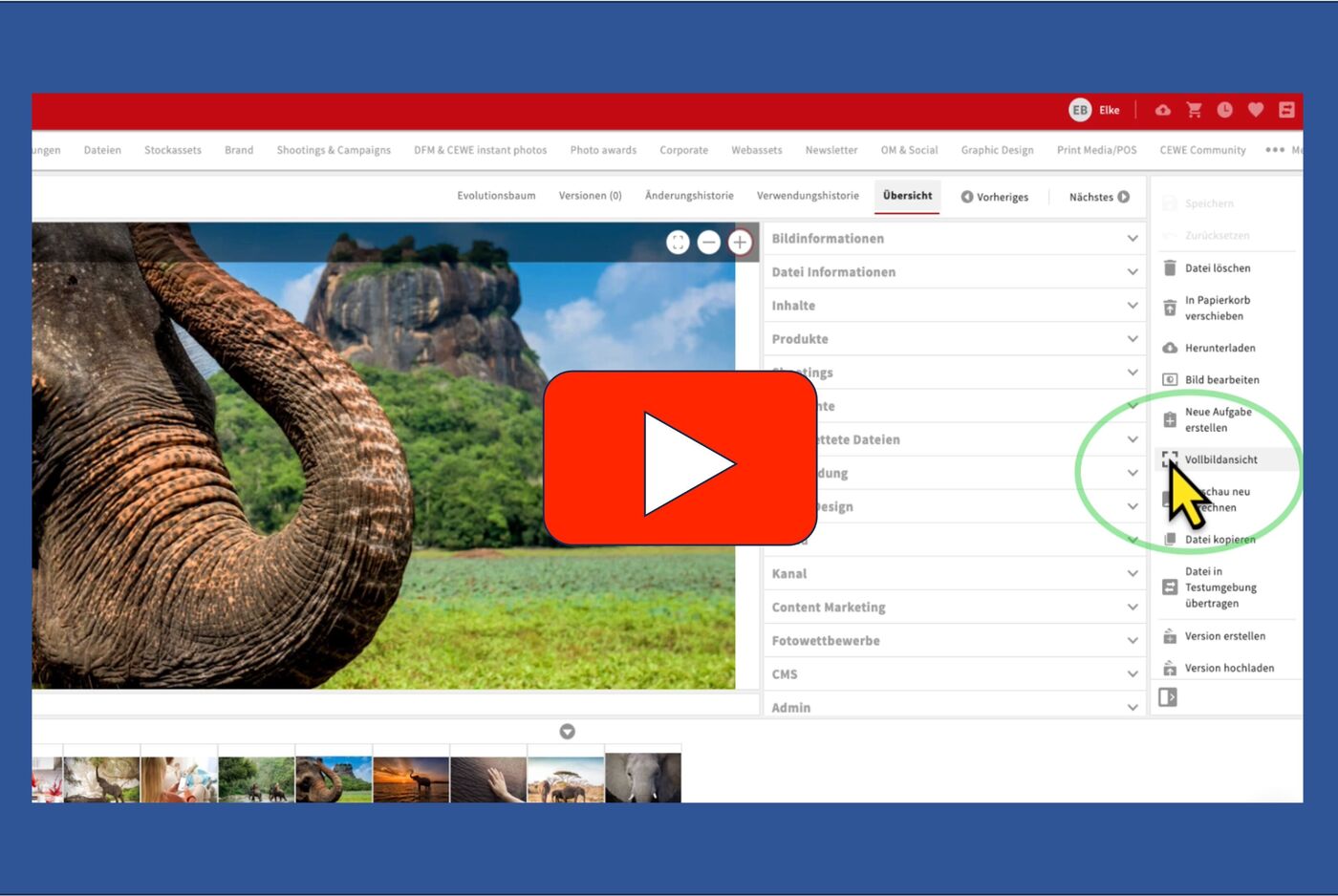
Moduel 2.4
View options
07:30 min
Our Specials and miniclips
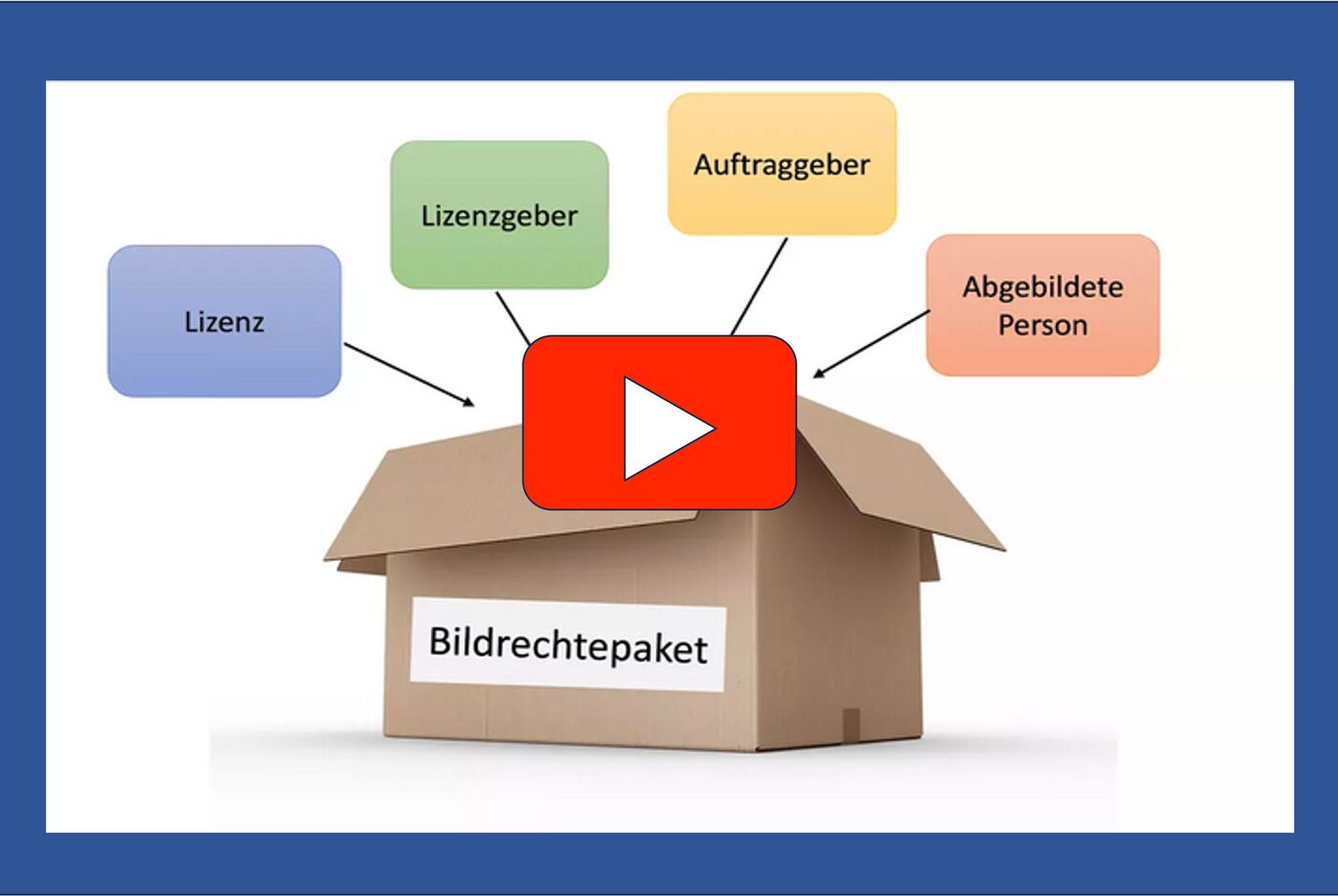
Special
Creating Digital rights packages
13:30 min
Unfortunately, no further content is currently available here!
Special
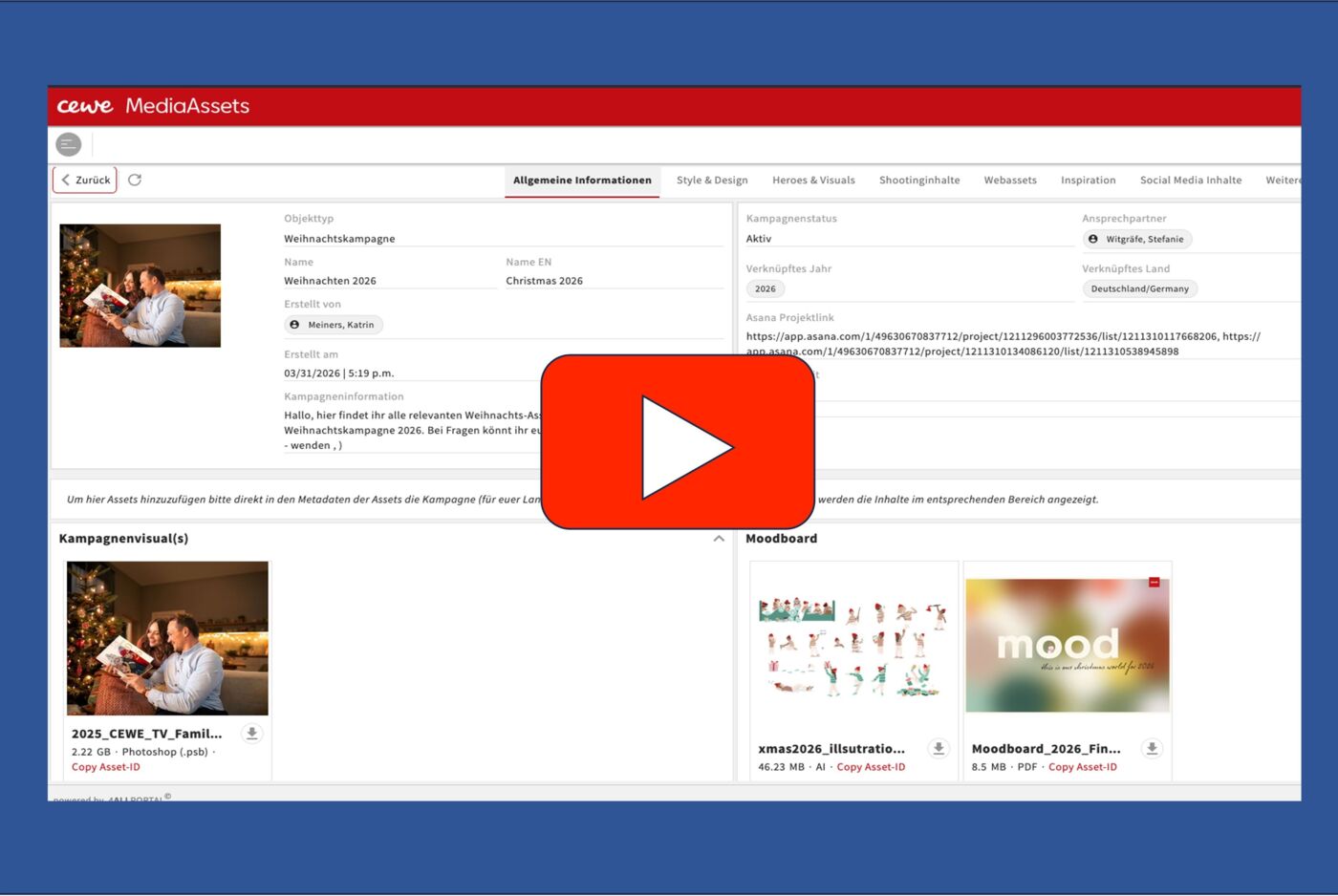
New modules for Campaigns, Inspiration, Testimonials etc.
11:00 min
Unfortunately, no further content is currently available here!