Expiring licenses for Digital Rights
New process for expiring licenses
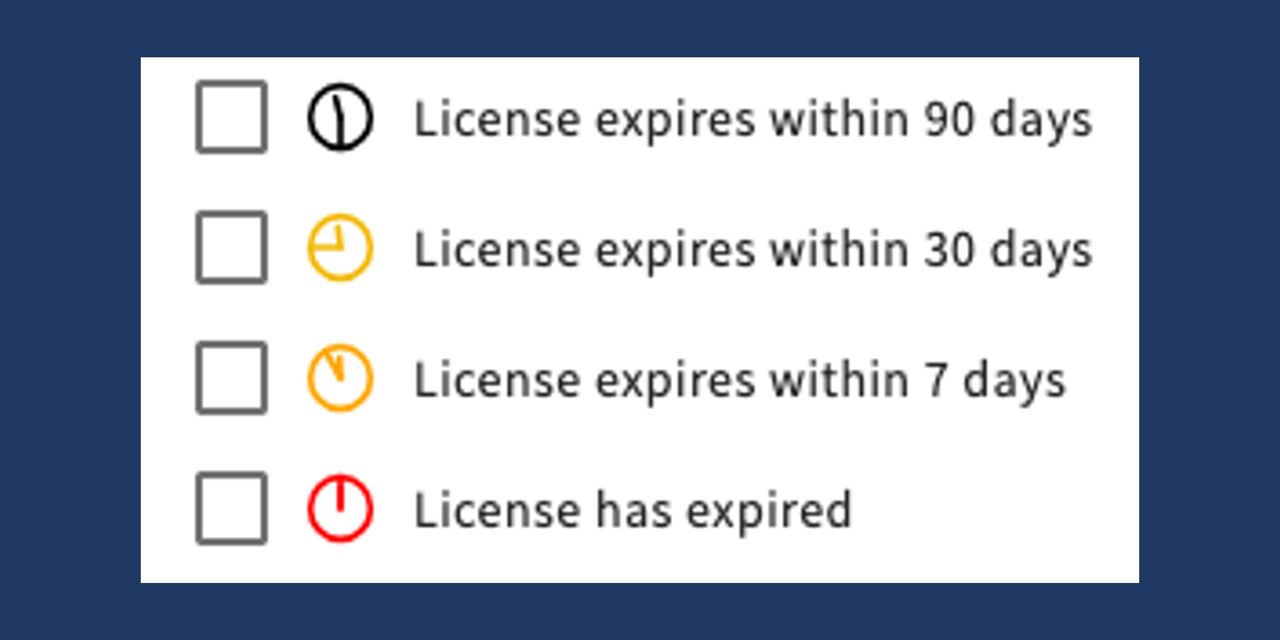
If a rights package has a limited usage period, this information is now displayed on all linked assets. There are four stages: 90 days, 30 days, 7 days, and expired, each with corresponding icons and mouse‑over information. When the status is expired, downloading is automatically blocked.
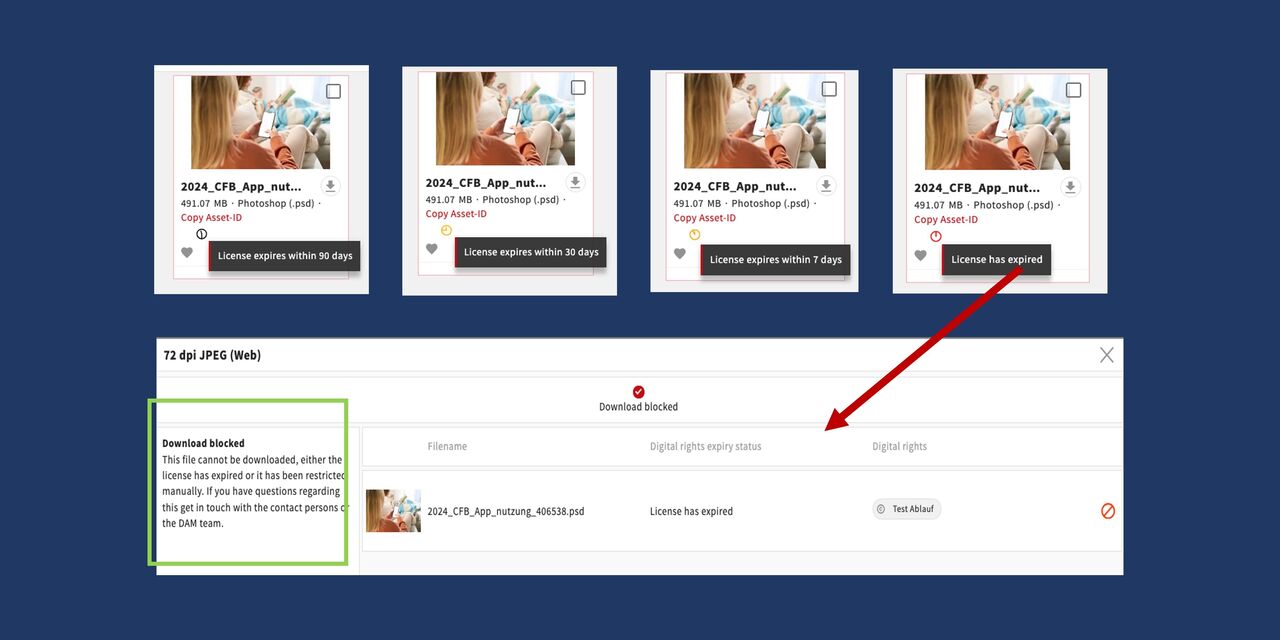
Top of image:
Here you can see 4 different assets with the icons for the respective license expiration status.
Bottom of image
If the license has expired, the file can no longer be downloaded and the corresponding information appears in the display.
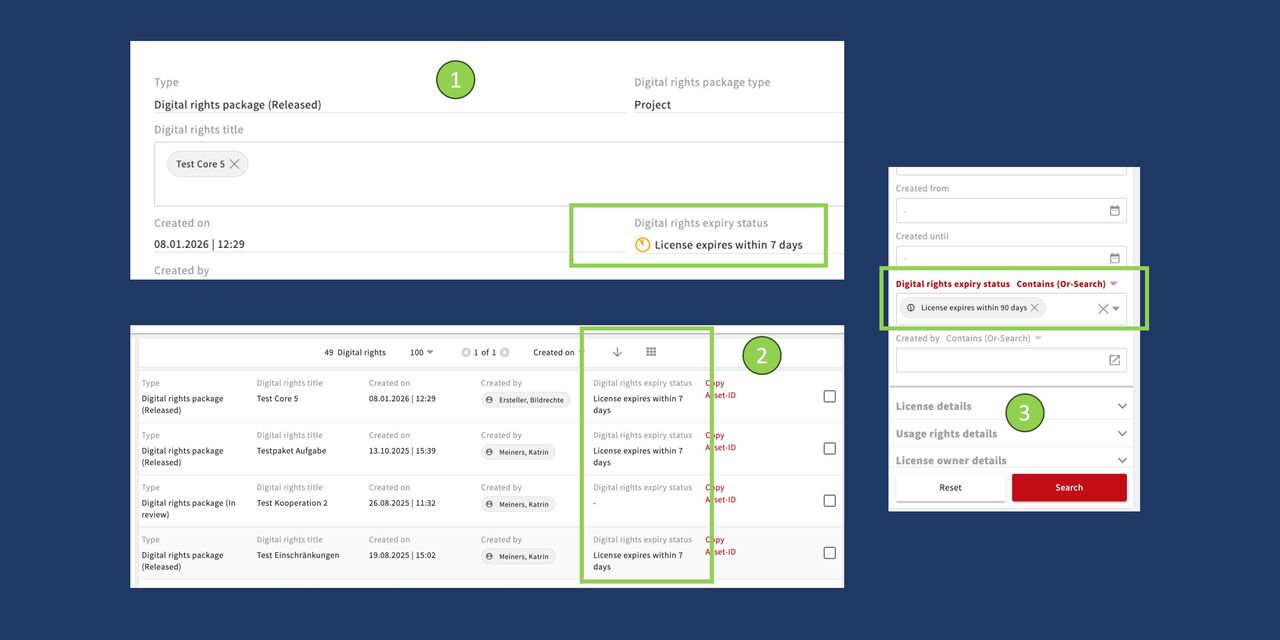
This information can be seen and searched for in the Digital Rights module.
- Information directly in the Digital Rights package
- In the overview (list) of Digital Rights package > Digital rights expiry date
- In the search for Digital Rights packages
The project owner of the package receives an email when one of the defined stages occurs, and an email is also sent to the DAM team. It can then be clarified whether the license will be extended or how the assets should be handled upon expiry (archiving, deletion, etc.).